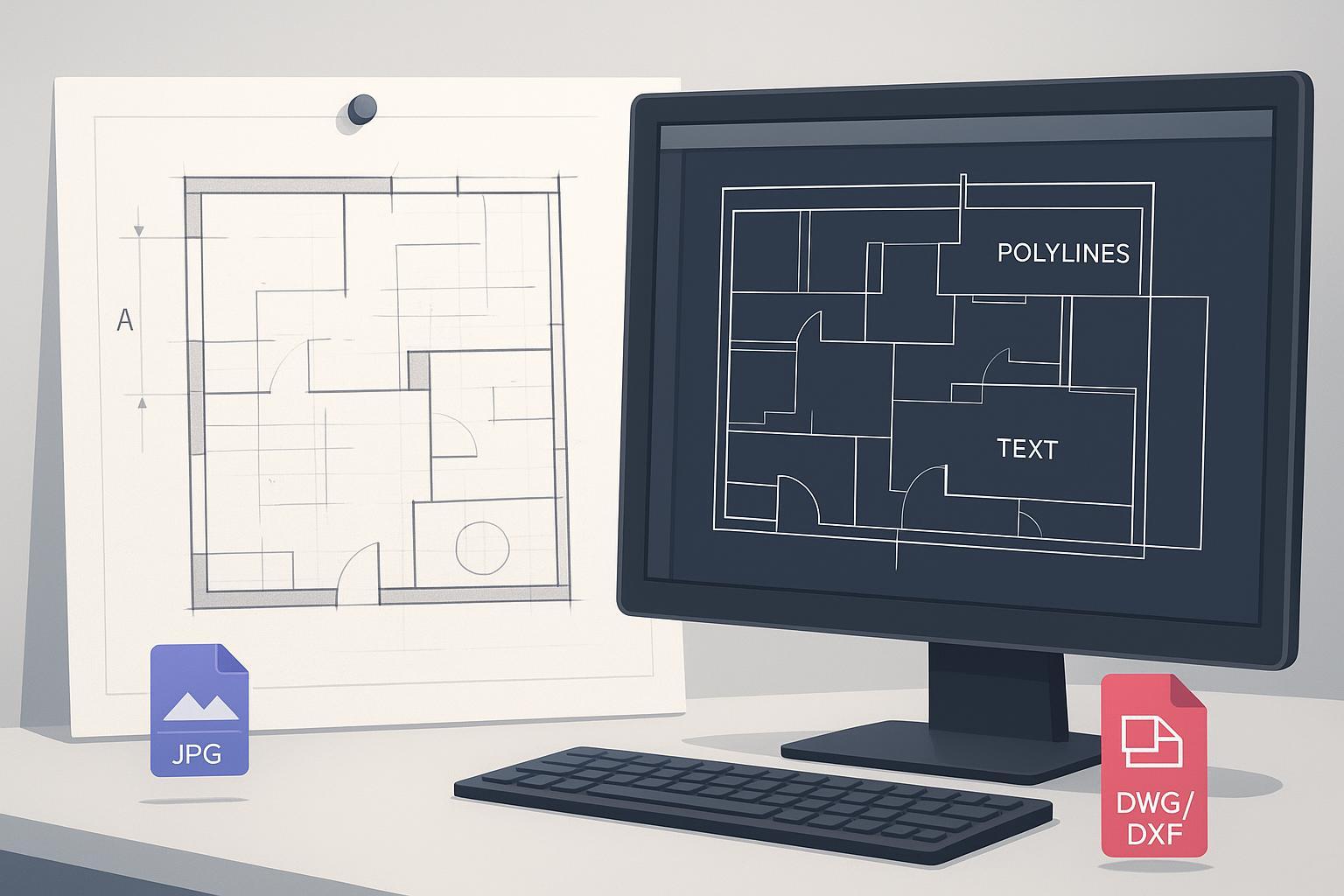
تحويل مخطط ورقي أو رسم MEP قديم إلى DWG/DXF نظيف وقابل للتعديل بالكامل لا يجب أن يشبه إعادة بناء المشروع من الصفر. The goal is editability: joined polylines, true arcs, reusable blocks, searchable text. This guide gives a reproducible workflow from scan to QA.
الخطوة 1 — المسح من أجل القابلية للتعديل
Target 300–600 DPI for architectural/MEP sheets. Prefer TIFF or PNG; avoid JPEG for masters. Flatten sheets, confirm orientation, include a known dimension or scale bar.
الخطوة 2 — المعالجة المسبقة للصورة
Deskew, denoise, binarize (global or adaptive threshold). Use morphology to reconnect breaks. Test on a small region first.
الخطوة 3 — التحويل المتجهي بإعدادات القابلية للتعديل أولاً
Balance detection thresholds, corner sensitivity, smoothing, gap-closing. Enable OCR for notes/dimensions. Define blocks for repeated symbols after conversion.
الخطوة 4 — معايرة المقياس والوحدات في CAD
Set units (-DWGUNITS/INSUNITS). Calibrate with a known dimension (SCALE Reference or ALIGN). Verify with DIST.
الخطوة 5 — التنظيف وضبط الجودة
AUDIT; PURGE; OVERKILL. PEDIT Join; rebuild symbols as blocks; clean layers (LAYMRG). QA: closed polylines, real arcs, selectable text, correct scale/units.
الخطوة 6 — الإنتاجية والقابلية للتكرار
Define presets per drawing type; log parameters per batch; use batch convert and named profiles where supported.
مثال عملي — JPG/PNG إلى CAD عبر الإنترنت
Use Image to CAD: upload JPG/PNG, technical-drawing preset, enable OCR, export DWG/DXF. Keep 300–600 DPI; spot-check before full batch.
استكشاف الأخطاء — الأعراض والإصلاحات
| Symptom | Cause | Fix |
|---|---|---|
| متعددات الخطوط المجزأة | DPI منخفض؛ إغلاق الفجوات؛ ضوضاء | إعادة المسح 300–600 DPI؛ إزالة الضوضاء؛ PEDIT Join |
| منحنيات متدرجة | دقة منخفضة؛ عتبة؛ تنعيم | DPI أعلى؛ عتبة تكيفية؛ تنعيم |
| خطوط شبحية | ظلال؛ قطع JPEG | إعادة المسح مسطحاً؛ تجنب JPEG؛ تصحيح الانحراف |
| نص غير معرّف بشكل صحيح | تباين منخفض؛ حدود OCR | التباين؛ توسيع OCR؛ تصحيح بعد التصدير |
| انجراف المقياس | DPI غير معروف؛ عدم تطابق الوحدات | -DWGUNITS؛ SCALE Ref أو ALIGN؛ التحقق |
متى يعاد الرسم جزئياً
If scans are badly smudged or low-res, convert what you can and redraw illegible details. Hatches are often faster to reapply in CAD.
الختام
Scan cleanly, preprocess, vectorize with editability-first settings, lock units/scale, then cleanup and QA. Use Image to CAD to verify DPI and OCR before finalizing in your CAD.