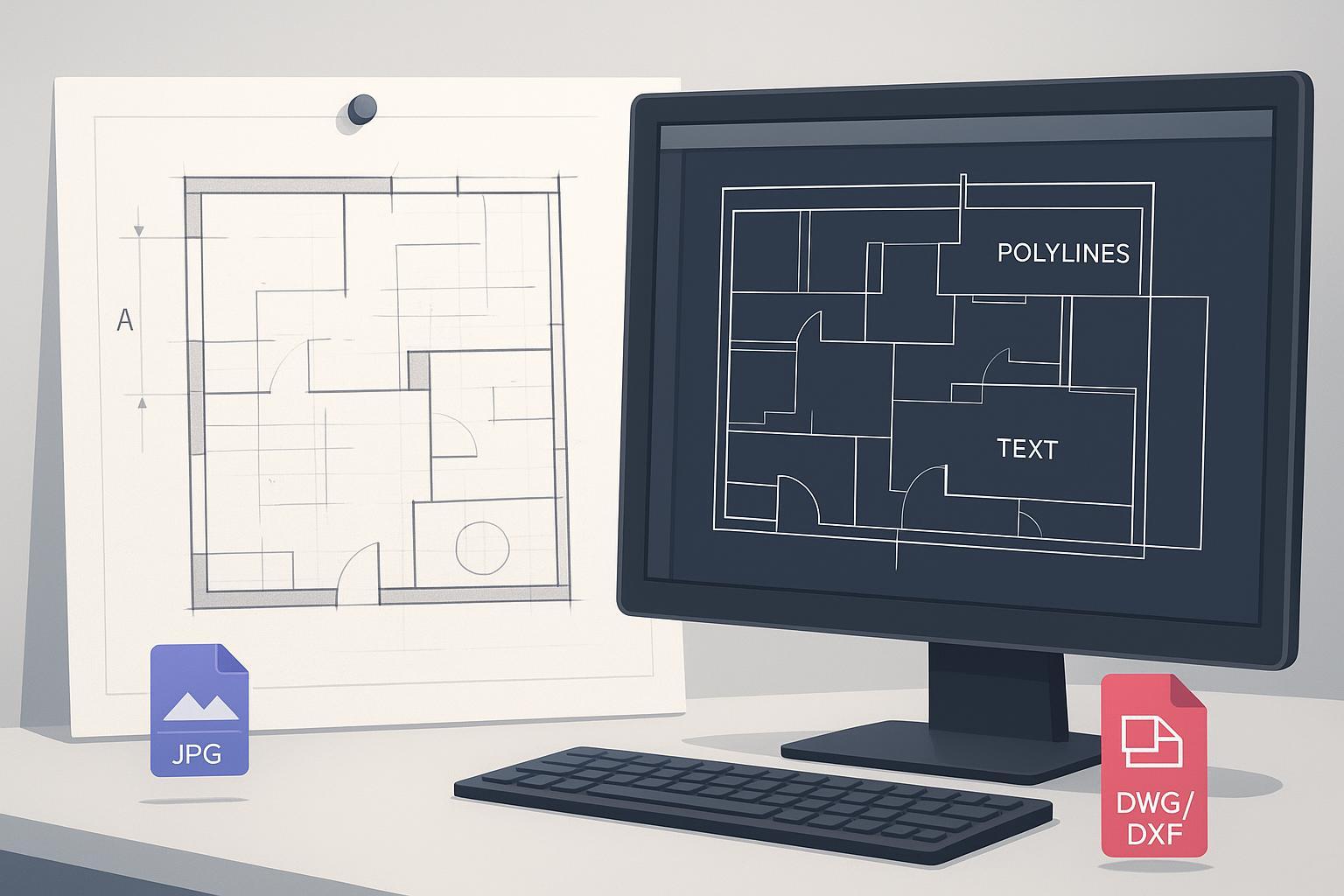
Convertir un plano en papel o un dibujo MEP antiguo en un DWG/DXF limpio y totalmente editable no debería sentirse como reconstruir el proyecto desde cero. The goal is editability: joined polylines, true arcs, reusable blocks, searchable text. This guide gives a reproducible workflow from scan to QA.
Paso 1 — Escanear para editabilidad
Target 300–600 DPI for architectural/MEP sheets. Prefer TIFF or PNG; avoid JPEG for masters. Flatten sheets, confirm orientation, include a known dimension or scale bar.
Paso 2 — Preprocesar la imagen
Deskew, denoise, binarize (global or adaptive threshold). Use morphology to reconnect breaks. Test on a small region first.
Paso 3 — Vectorizar con ajustes de editabilidad primero
Balance detection thresholds, corner sensitivity, smoothing, gap-closing. Enable OCR for notes/dimensions. Define blocks for repeated symbols after conversion.
Paso 4 — Calibrar escala y unidades en CAD
Set units (-DWGUNITS/INSUNITS). Calibrate with a known dimension (SCALE Reference or ALIGN). Verify with DIST.
Paso 5 — Limpieza y QA
AUDIT; PURGE; OVERKILL. PEDIT Join; rebuild symbols as blocks; clean layers (LAYMRG). QA: closed polylines, real arcs, selectable text, correct scale/units.
Paso 6 — Rendimiento y reproducibilidad
Define presets per drawing type; log parameters per batch; use batch convert and named profiles where supported.
Ejemplo práctico — JPG/PNG a CAD en línea
Use Image to CAD: upload JPG/PNG, technical-drawing preset, enable OCR, export DWG/DXF. Keep 300–600 DPI; spot-check before full batch.
Solución de problemas — síntomas y soluciones
| Symptom | Cause | Fix |
|---|---|---|
| Polylines fragmentadas | Low DPI; gap closing; noise | Rescan 300–600 DPI; denoise; PEDIT Join |
| Curvas escalonadas | Low res; threshold; smoothing | Higher DPI; adaptive threshold; smoothing |
| Líneas fantasma | Shadows; JPEG artifacts | Rescan flat; avoid JPEG; deskew |
| Texto mal reconocido | Low contrast; OCR bounds | Contrast; widen OCR; correct post-export |
| Deriva de escala | DPI unknown; unit mismatch | -DWGUNITS; SCALE Ref or ALIGN; verify |
Cuándo redibujar parcialmente
If scans are badly smudged or low-res, convert what you can and redraw illegible details. Hatches are often faster to reapply in CAD.
Cierre
Scan cleanly, preprocess, vectorize with editability-first settings, lock units/scale, then cleanup and QA. Use Image to CAD to verify DPI and OCR before finalizing in your CAD.