JPG to DXF Converter
Upload a JPEG photo or scan and download editable DXF geometry for CAD, CNC, and laser work. Input: JPG / JPEG. Output: DXF.
How to convert JPG to DXF
1. Upload
Add a clear JPG / JPEG file with strong contrast and visible edges.
2. Convert
Run online conversion to extract CAD-ready vectors from the reference.
3. Preview
Inspect the result before download so obvious noise can be spotted early.
4. Download & clean up
Open the available CAD output in your editor, check units and scale, and refine layers. If you need DWG and the download is DXF, save it as DWG in a compatible editor.
Common use cases
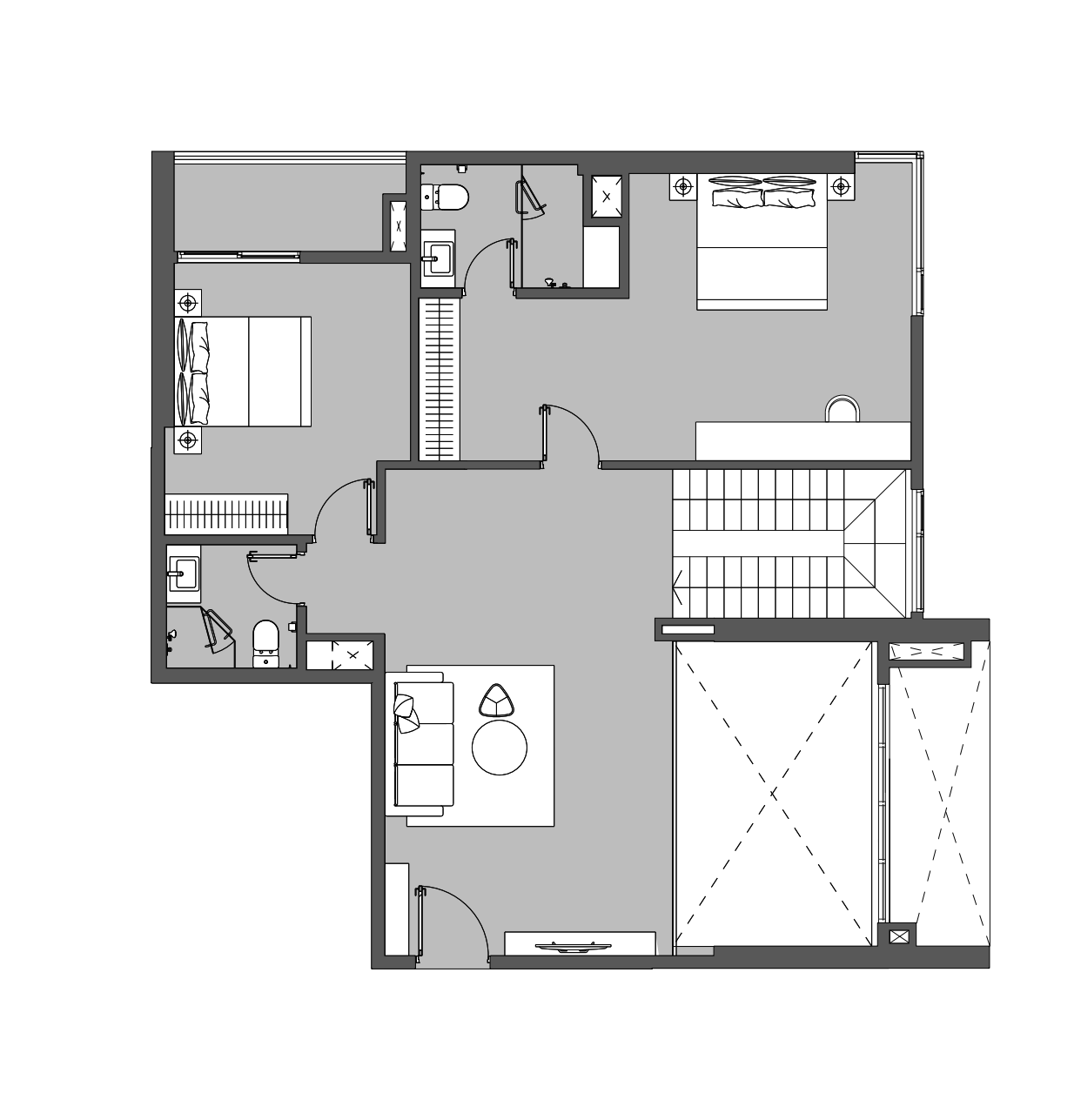
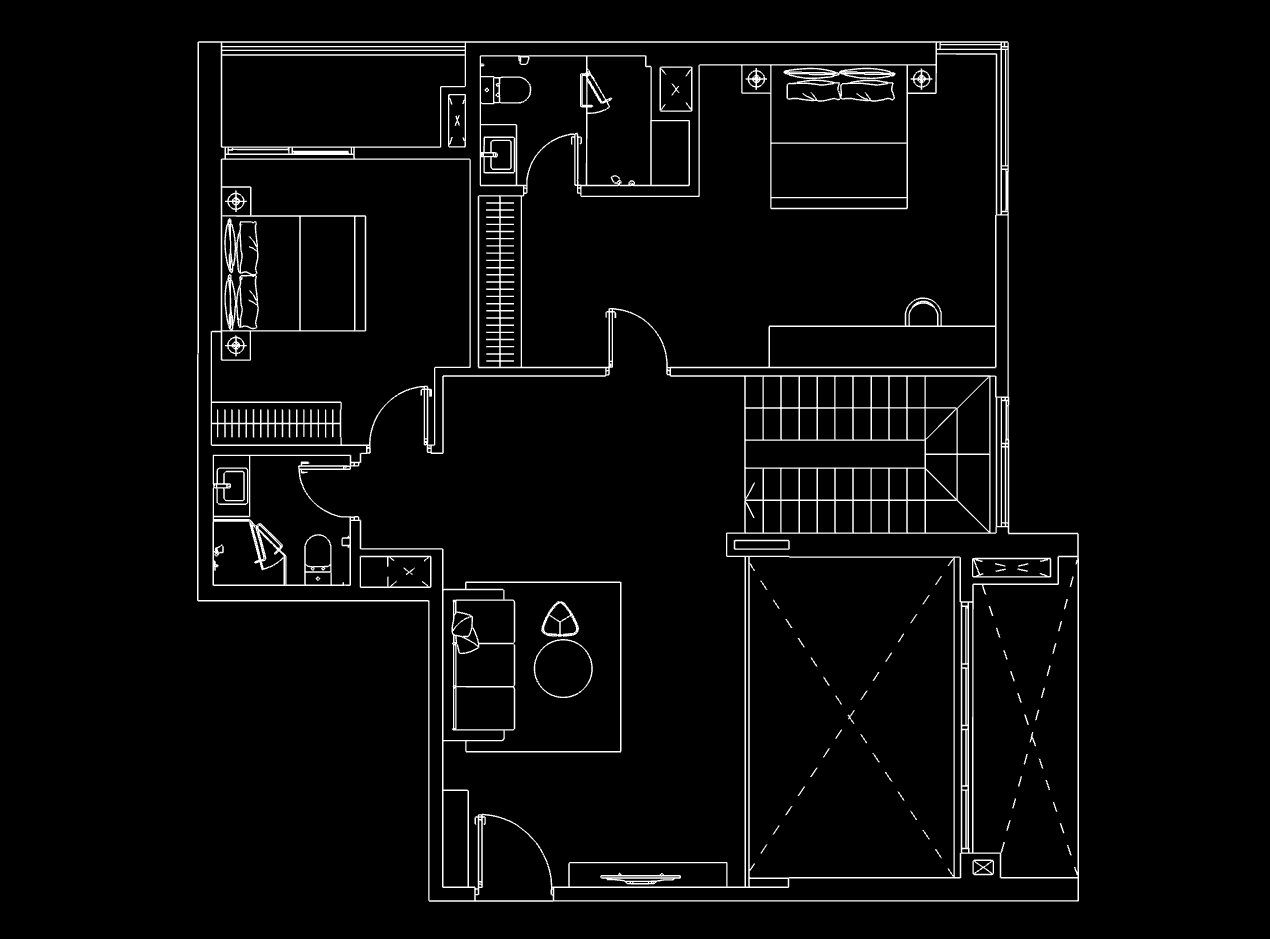
JPEG floor plans
Convert photographed or exported JPG plans into DXF linework.
Logo photos
Trace JPG logos into vector DXF paths.
Scanned sheets
Digitize scanned JPEG drawings into CAD files.
Phone photos
Start from a clear phone JPG of a sketch or printout.
Example conversions
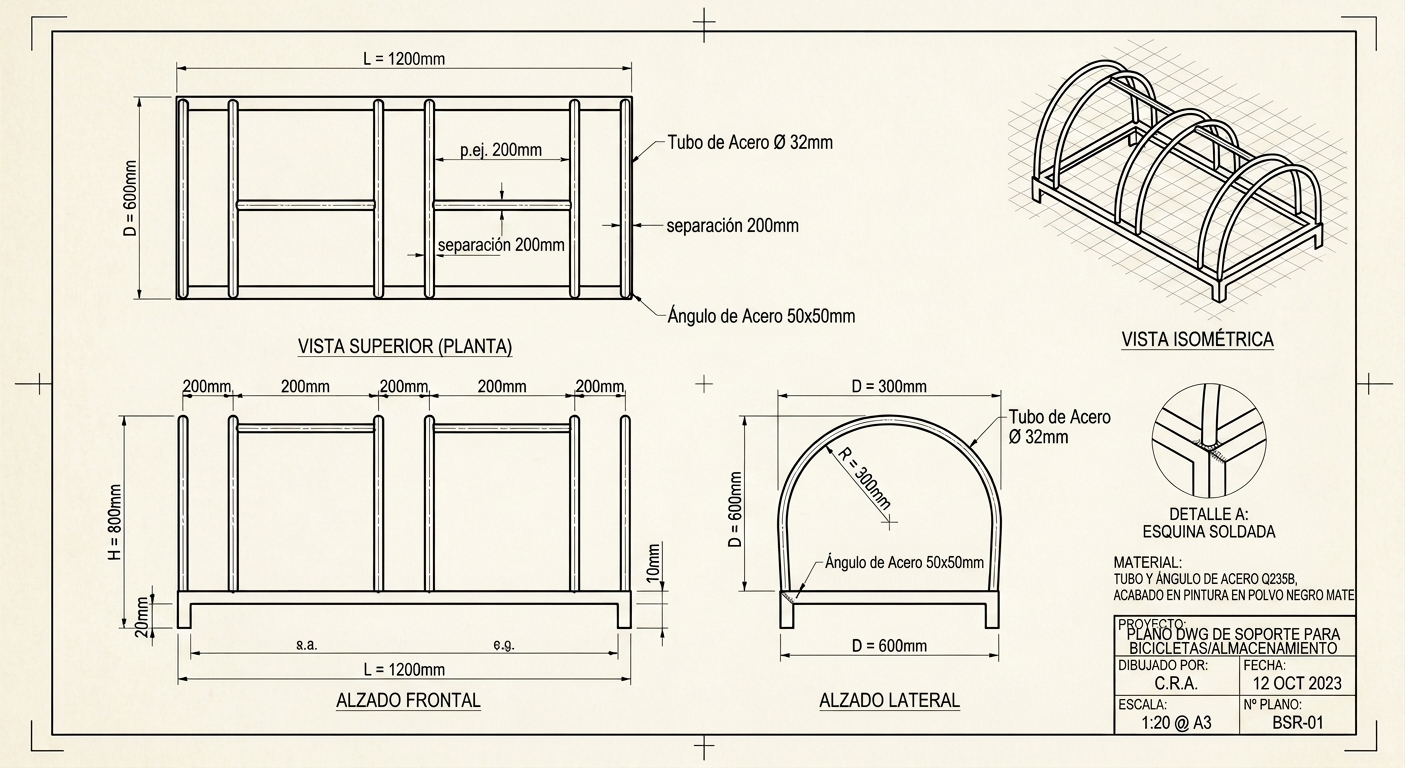
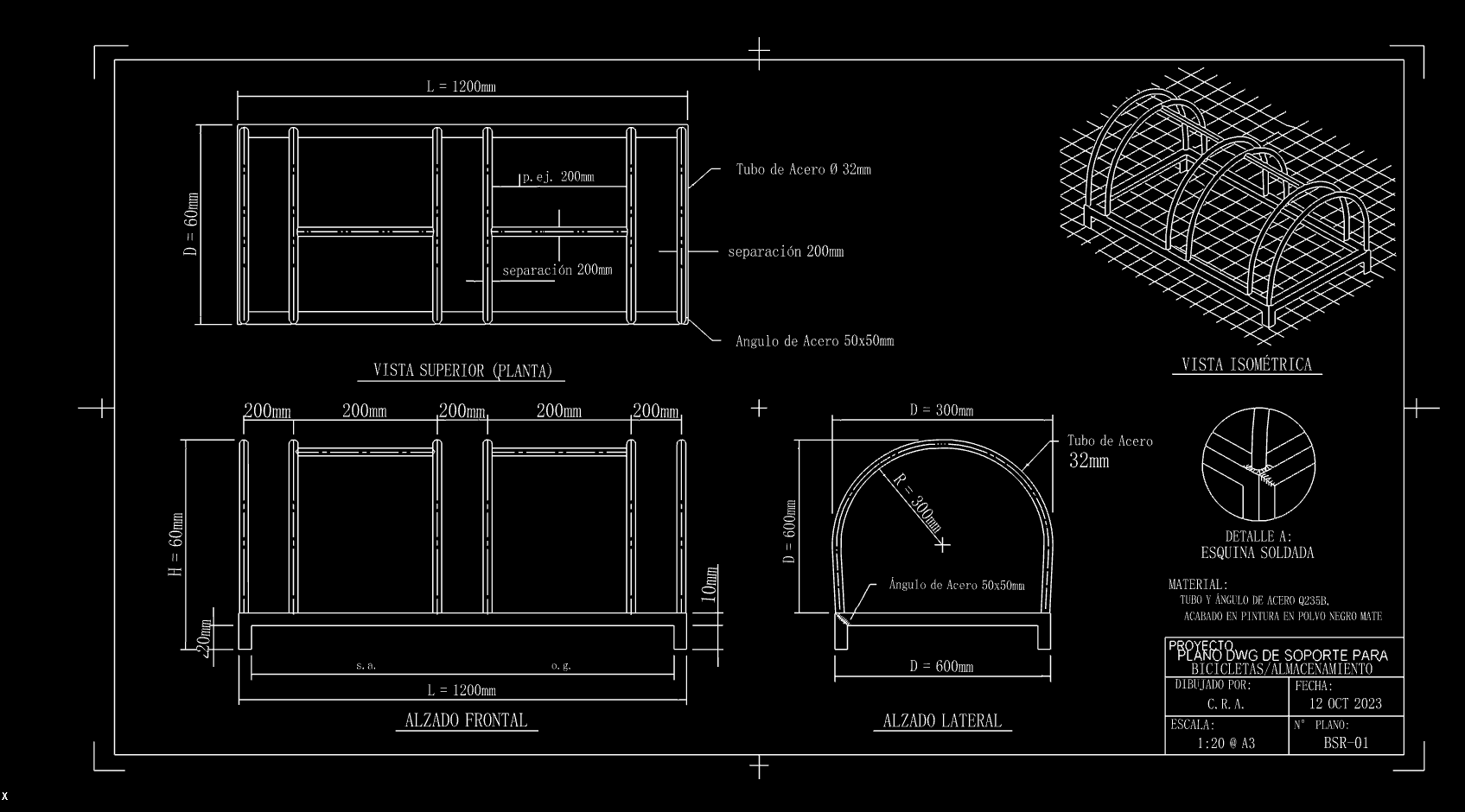
These examples show JPG sources and rendered CAD previews. Open a case to inspect its drawing in the interactive viewer; the preview image is not a downloadable DWG file.
FAQ
How do I convert JPG to DXF?
Upload your JPG, run the online conversion, preview the CAD result, then download the DXF file.
Does JPG quality affect DXF accuracy?
Yes. Blurry, low-contrast, or heavily compressed JPEGs produce noisier vectors.
Can I convert JPEG to DXF for laser cutting?
Yes, when the source artwork has clean edges. Always inspect and clean paths before cutting.
Is JPG to DXF free online?
You can try the online converter in your browser and download available outputs.
Related converters
Image to DXF Converter
image to DXF
Image to DWG Converter
image to DWG
PNG to DXF Converter
PNG to DXF
JPG to DWG Converter
JPG to DWG
PNG to DWG Converter
PNG to DWG
Floor Plan to CAD Converter
floor plan to CAD
PDF to CAD Converter
PDF to CAD
JPG to CAD Converter
JPG to CAD
Also see the Image to CAD homepage and related tools: image to DXF, image to DWG, PNG to DXF, JPG to DWG, PNG to DWG, floor plan to CAD, PDF to CAD, JPG to CAD.